

Makeblock mBot Robot Kit
The classic build-and-code robot for first-time roboticists
About $70brand list price View on Amazon
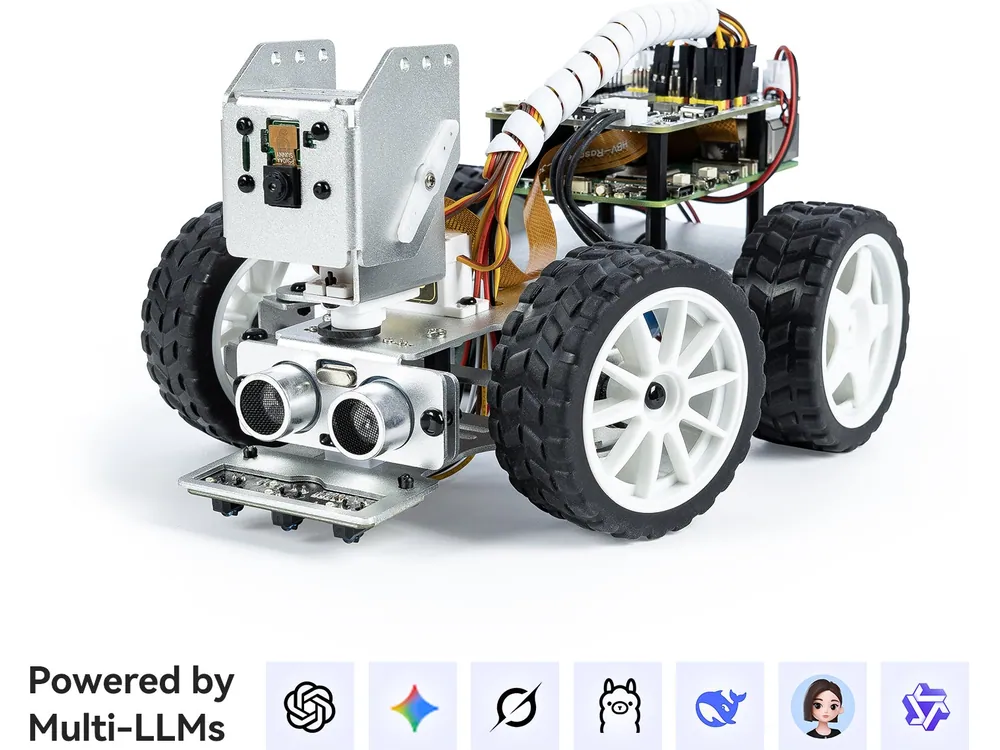
Turn a Raspberry Pi into a camera robot that sees and listens.
Best for kids who want to try computer vision on a Raspberry Pi robot.
This is SunFounder’s own list price (checked November 13, 2026). Amazon’s price is often lower; tap above for today’s price. Paid link: Electroys may earn a commission at no extra cost to you. Listing verified October 28, 2026. See SunFounder’s product page.
PiCar-X is an aluminum robot car chassis with a camera, ultrasonic and grayscale sensors, and a Robot HAT board that mounts on a Raspberry Pi. After building it, teens program it in Python or Scratch for line following and obstacle avoidance, then try computer-vision and voice projects, including ones connected to AI chat services.
Always follow the manufacturer’s age and safety guidance. Small parts may be a choking hazard for children under 3.
The classic build-and-code robot for first-time roboticists
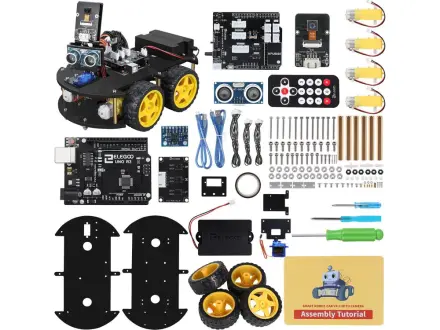
Build and code a camera robot car that follows lines and dodges walls
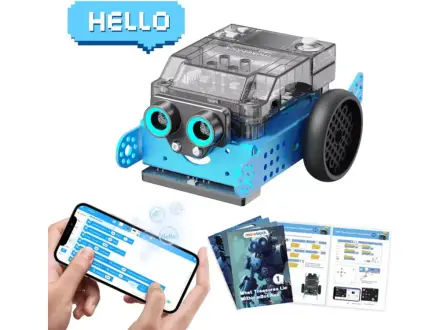
Build a sensor robot, then code it from Scratch to Python
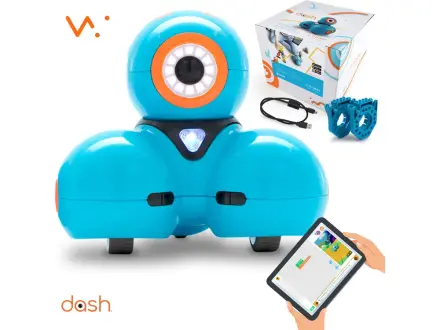
A responsive robot that grows from drag-and-drop to real coding