

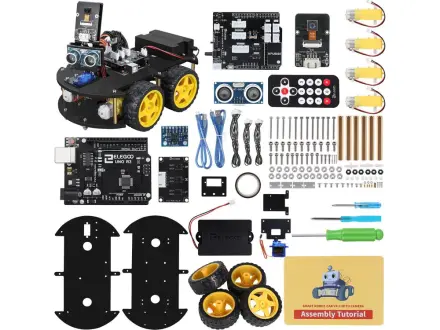
ELEGOO Smart Robot Car Kit V4 with Camera
Build and code a camera robot car that follows lines and dodges walls
About $75brand list price View on Amazon
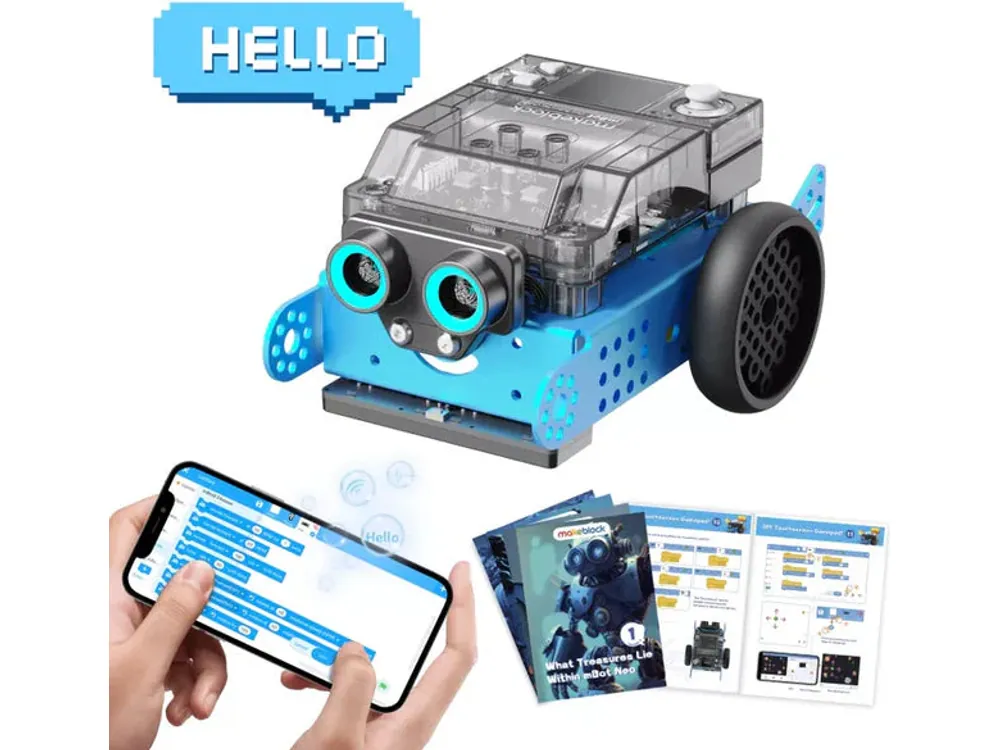
Build a sensor robot, then code it from Scratch to Python.
Best for kids who want to build a real robot and code it in blocks or Python.
This is Makeblock’s own list price (checked November 13, 2026). Amazon’s price is often lower; tap above for today’s price. Paid link: Electroys may earn a commission at no extra cost to you. Listing verified October 28, 2026. See Makeblock’s product page.
mBot2 is a wheeled robot kit built around Makeblock's CyberPi controller, with a color screen, ultrasonic distance sensor and a four-color line-following sensor. Kids assemble the chassis, then program it in the mBlock environment using Scratch-style blocks before graduating to Python.
Always follow the manufacturer’s age and safety guidance. Small parts may be a choking hazard for children under 3.
Build and code a camera robot car that follows lines and dodges walls
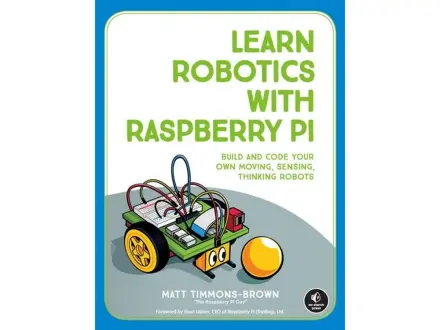
Build a two-wheeled robot and teach it to see and avoid things

A little robot car kids program with colored cards
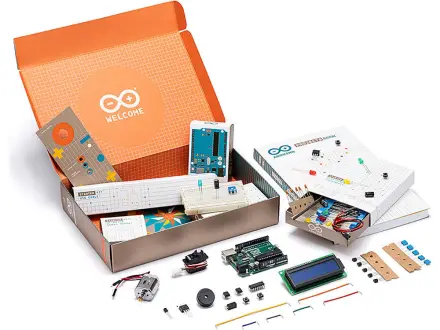
The official way to learn Arduino, one breadboard project at a time