

Editor’s pick
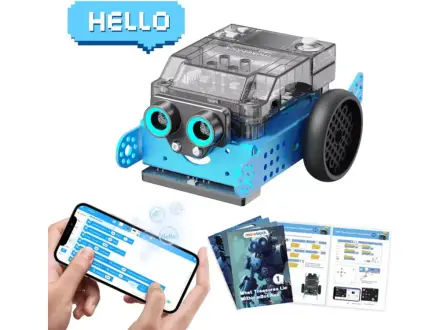
Makeblock mBot2 Coding Robot
Build a sensor robot, then code it from Scratch to Python
About $150brand list price View on Amazon
Metal robot kit that rebuilds into ten machines, including an arm.
Best for kids who want metal robot builds close to real engineering.
This is Makeblock’s own list price (checked November 13, 2026). Amazon’s price is often lower; tap above for today’s price. Paid link: Electroys may earn a commission at no extra cost to you. Listing verified October 28, 2026. See Makeblock’s product page.
mBot Ultimate is a large set of aluminum beams, plates, motors and sensors run by the Arduino-compatible MegaPi controller. Teens build any of ten official designs, such as a robotic arm tank, then program them with block coding or move up to Arduino C, or drive them from a phone app.
Always follow the manufacturer’s age and safety guidance. Small parts may be a choking hazard for children under 3.
Build a sensor robot, then code it from Scratch to Python
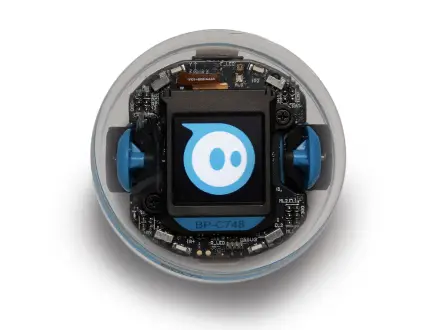
A sensor-packed robot ball with a screen kids can program
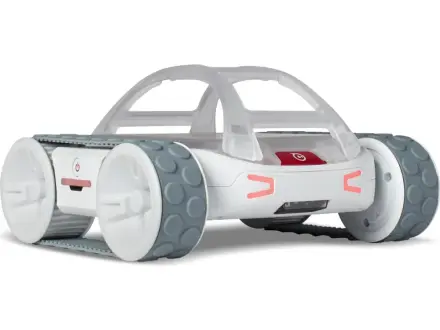
A rugged, ready-to-drive robot rover that teens can hack
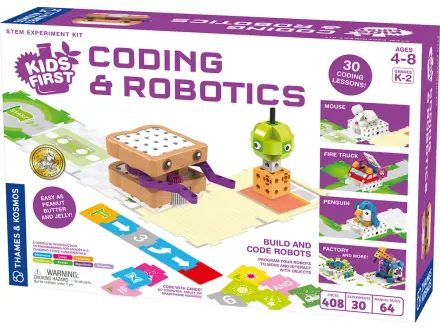
Build Sammy the robot, then program him with code cards