

Editor’s pick
Learning Resources Code & Go Robot Mouse Activity Set
Build a maze, plan the route, and code a mouse to the cheese
About $70brand list price View on Amazon
A screen-free coding robot with room to grow into longer programs.
Best for kids who are ready for longer coding challenges.
This is Learning Resources’s own list price (checked October 28, 2026). Amazon’s price is often lower; tap above for today’s price. Paid link: Electroys may earn a commission at no extra cost to you. Listing verified October 28, 2026.
Kids program Botley with a handheld remote, building routes through obstacle courses made from the included sticks, cubes and cones. Botley can follow color-coded lines, move in six directions, react to objects in its path, and store programs of up to 150 steps.
Always follow the manufacturer’s age and safety guidance. Small parts may be a choking hazard for children under 3.
Build a maze, plan the route, and code a mouse to the cheese
One robot, three rescue vehicles, lots of code-to-the-rescue missions
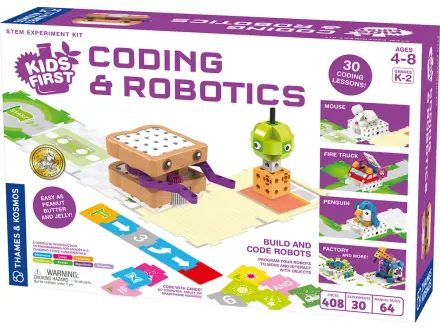
Build Sammy the robot, then program him with code cards
A little robot car kids program with colored cards