

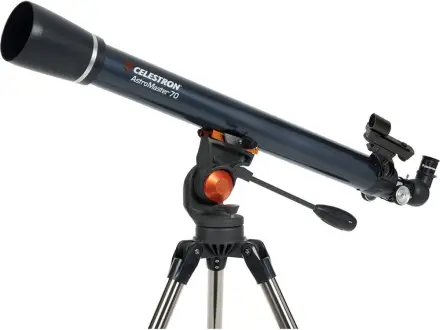
Celestron AstroMaster 70AZ Refractor Telescope
A straightforward first telescope for the Moon and planets
About $200brand list price View on Amazon
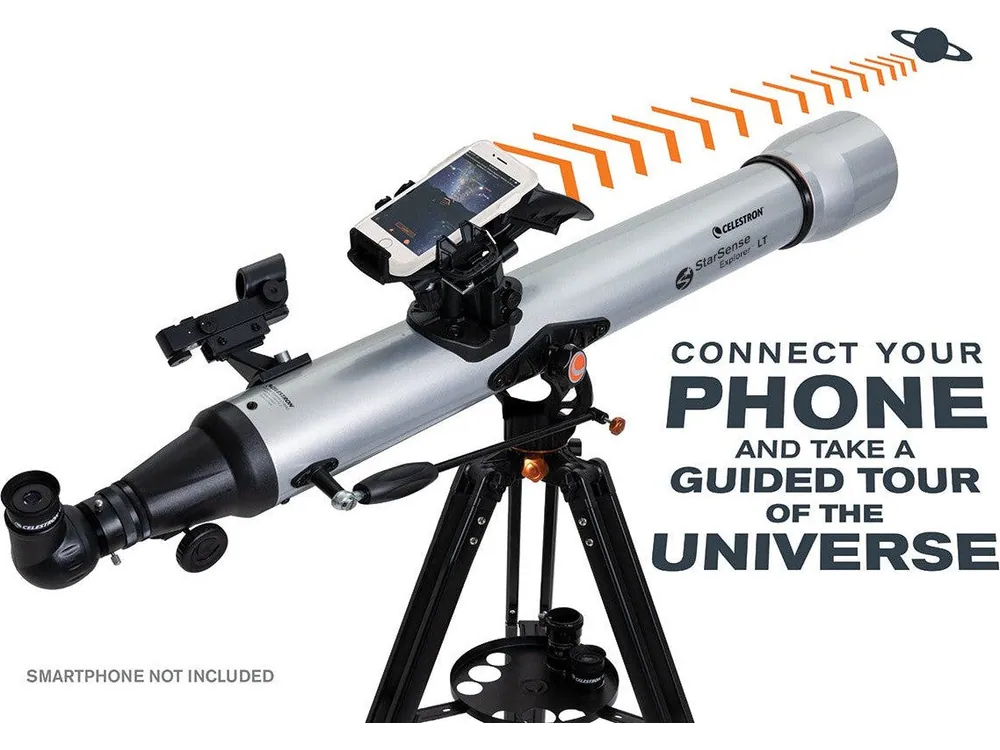
Your phone shows exactly where to point, then you take over.
Best for kids who want app help finding things in the night sky.
This is Celestron’s own list price (checked November 13, 2026). Amazon’s price is often lower; tap above for today’s price. Paid link: Electroys may earn a commission at no extra cost to you. Listing verified October 28, 2026. See Celestron’s product page.
This 80mm refractor has a dock for a smartphone, which runs Celestron's StarSense app to recognize the star pattern overhead and list what's visible tonight. On-screen arrows guide teens as they move the manual mount until the target is centered, then they observe through 25mm and 10mm eyepieces or the included 2x Barlow.
Always follow the manufacturer’s age and safety guidance. Small parts may be a choking hazard for children under 3.
A straightforward first telescope for the Moon and planets
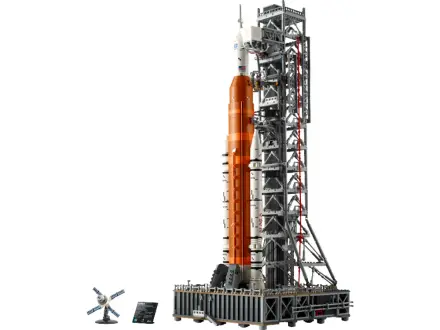
Build NASA's Moon rocket in 3,601 pieces

A hand-cranked crusher that shows how gears multiply force
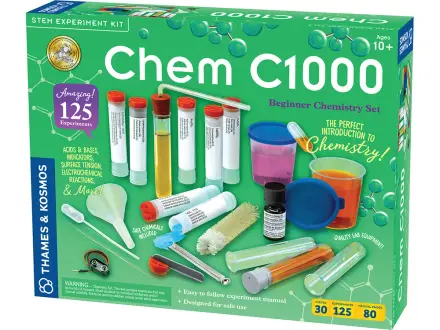
A real first chemistry lab with 125 guided experiments